Eight Make modules to prepare letters, send after price approval, retrieve, cancel, quote and search letters, validate addresses and receive status updates.
Cette page est en anglais.
Ce que vous pouvez en faire
•Build a scenario that pulls invoices and posts a reminder for the overdue ones.
•Start a scenario the moment a letter is printed or delivered.
•Let the search module walk the pages for you; you never hold a cursor.
Connexion
1Add the app to your Make organisation.
2Choose Create a connection, sign in to SendLetter and approve the displayed permissions. You do not need your own OAuth client.
3Start with a sandbox account and verify mode: test in the output. Test letters are not printed or posted.
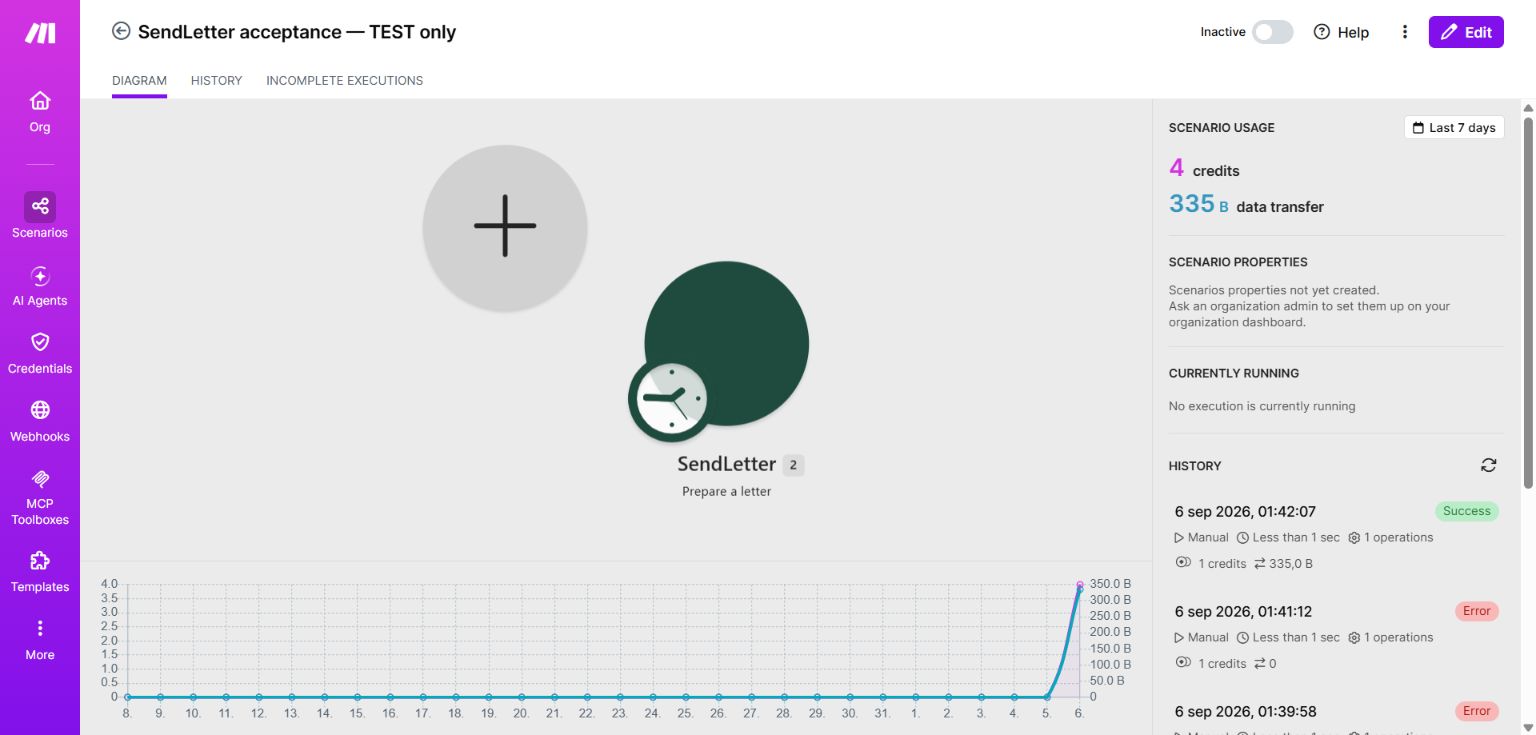
4Choose Prepare a letter. Provide text or a PDF, sender, recipient and a unique idempotency key. For a PDF file, map both its name and binary data. A PDF URL must be a direct HTTPS download without a login requirement.
5Review the prepared PDF, page count and totalCents. Nothing has been sent or charged yet.
6After approval, use Send a letter with the same inputs and key. Enable Confirm prepared price and map Prepare's totalCents into Confirmed total in cents.
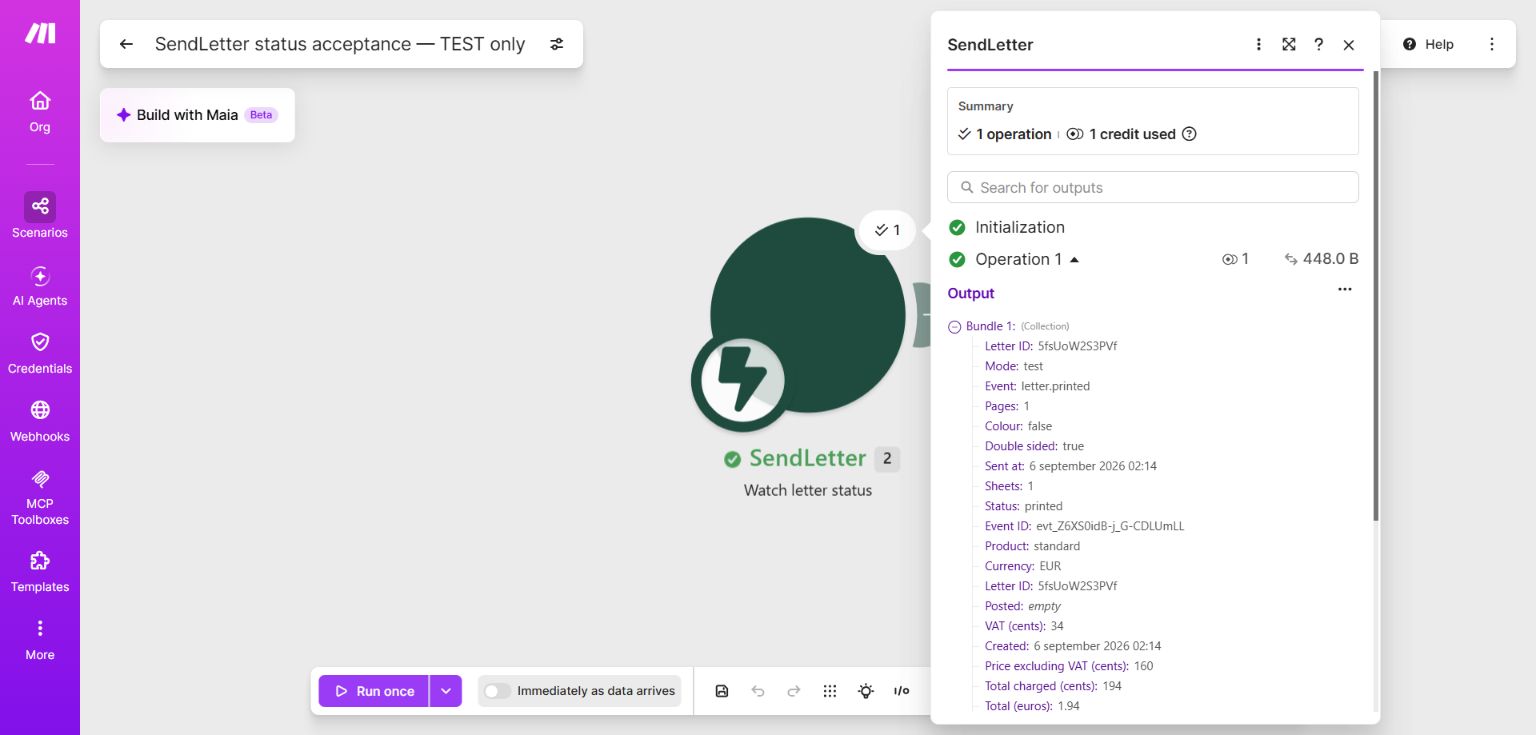
7Create a separate scenario with Watch letter status. Create the webhook, save and choose Run once. Send a new test letter and match letterId to your source record. Store eventId to avoid duplicate processing.
8Enable automatic scheduling after testing downstream actions. To disconnect, delete the webhook in Make; its SendLetter subscription is removed too. Create a new webhook to reconnect.
Quote returns the public consumer tariff. Always confirm with the exact account price from Prepare. Retrying the same inputs and idempotency key returns the same letter. The status trigger verifies the signature on every callback.
Examples from the tested integration
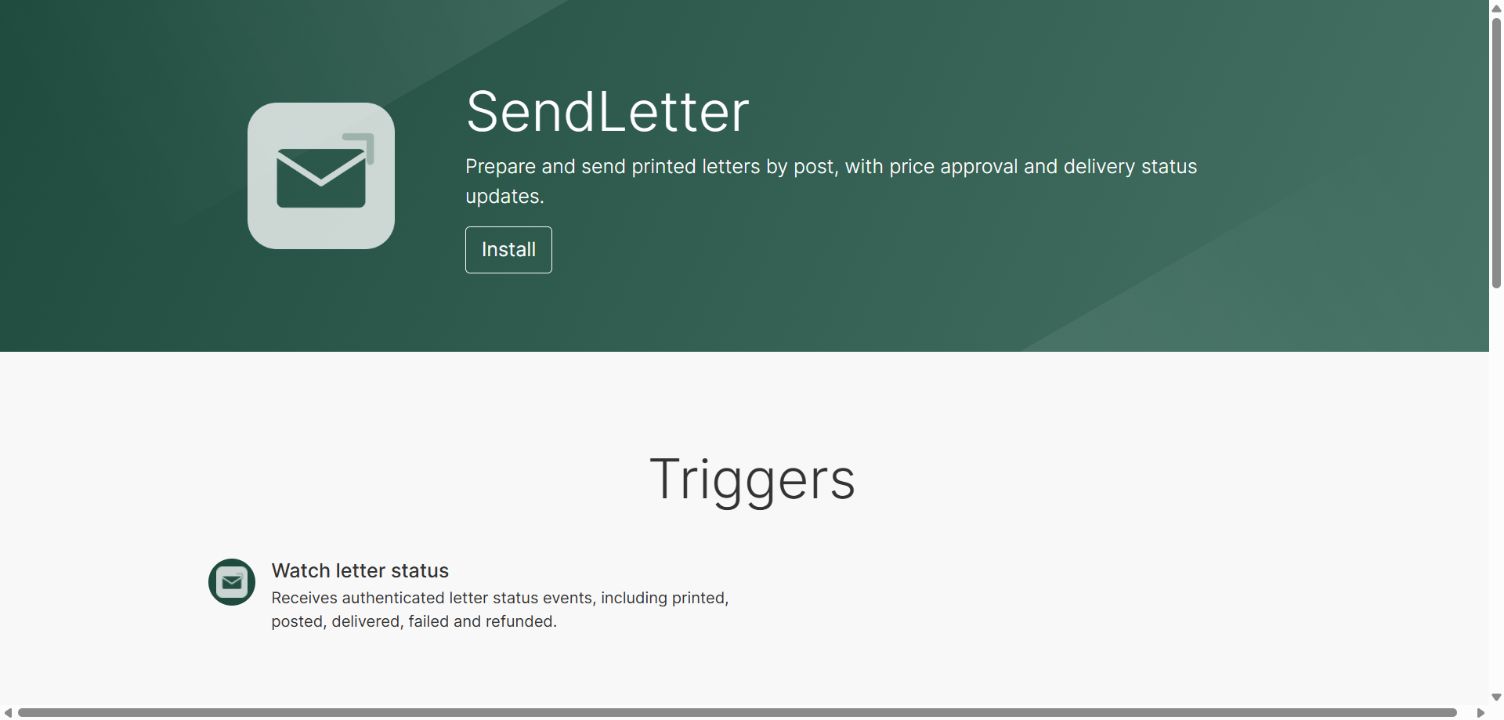
Open the SendLetter invitation and choose Install to add its eight modules to your Make organisation.Prepare returns the exact price and page count before sending. This example uses test mode.Watch letter status receives a new test letter event automatically. Map letterId back to your record.