Prepare letters, approve their exact price and send them by post from Zapier, with search, address validation and an automatic status trigger.
Esta página está en inglés.
Qué puede hacer con ello
•Post a letter on a new spreadsheet row, a submitted form or a payment.
•Start a Zap the moment a letter is delivered, to update a record.
•Validate an address behind a filter so you never pay for rows that cannot arrive.
Cómo conectarlo
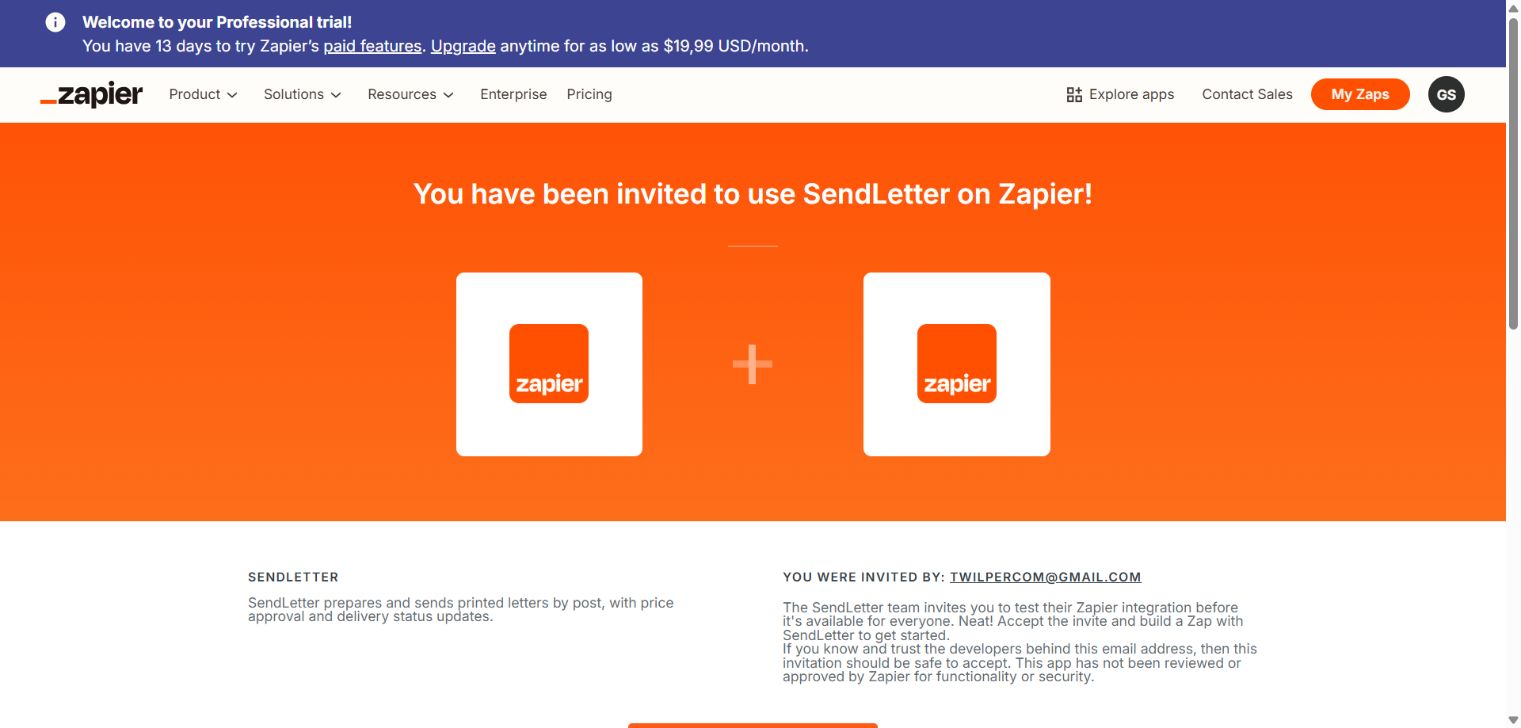
1Open the invite link for the integration.
2Connect your SendLetter account and approve the consent screen.
3Fill the idempotency key with something stable, such as the invoice number.
4Choose Prepare Letter and map text or a direct PDF download URL, sender and recipient. Review the PDF and totalCents before sending.
5After approval, use Send Letter with the same input and idempotency key. Map totalCents from Prepare to Confirmed Total (Cents).
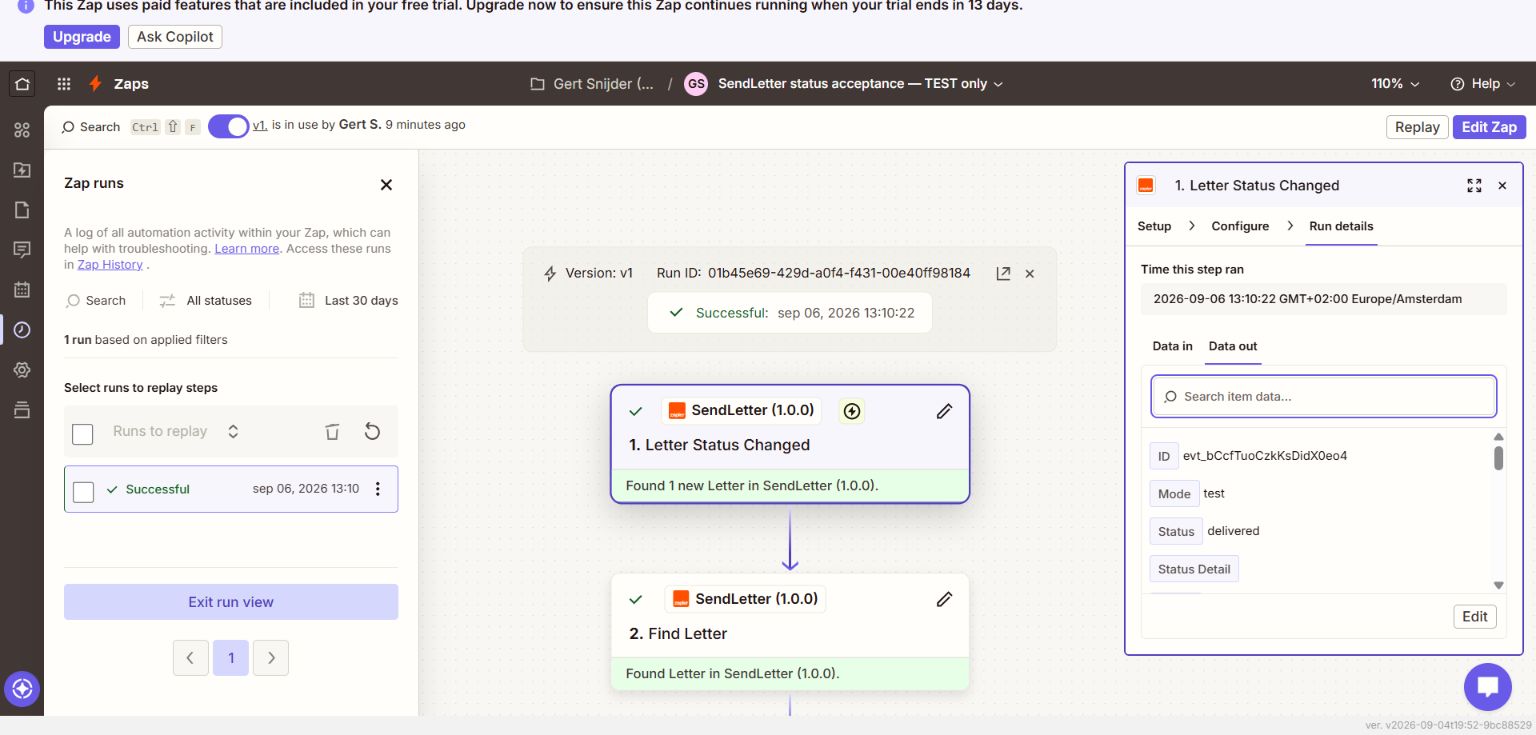
6Create a separate Zap with Letter Status Changed. Select an event and map Letter Id into Find Letter or your customer record. Do not use the event ID from the ID field as a letter ID.
7Publish the Zap and send a fresh test letter through a sandbox connection. Check Zap runs for successful downstream actions. The editor may show an existing test letter as sample data.
8Turn the Zap off to remove its SendLetter webhook automatically. Turn it on again to reconnect.
Install through the invitation link. The integration has been tested in Zapier but has not been approved for its public directory. Test letters have no postage charge; Zapier usage is covered by your own Zapier plan.
Examples from the tested integration
Accept the SendLetter invitation, then connect your account in the Zap editor.A real Zapier run received the delivered event in test mode and successfully found the matching letter.