Two nodes: an action node for sending, reading, cancelling, downloading, validating and pricing, and a trigger node that waits for status changes.
Diese Seite ist auf Englisch.
Was Sie damit tun können
•Run a monthly dunning round over overdue invoices from your own database.
•Post the PDF from a previous node straight through the binary field.
•Have the trigger write the delivery date back into your records.
Verbinden
1Install n8n-nodes-sendletter version 1.2.0 or later under Settings > Community Nodes > Install in your self-hosted n8n instance.
2Create a SendLetter credential with an API key from your account.
3Start with a key beginning sk_test_: it runs the whole chain, trigger included, without printing or charging.
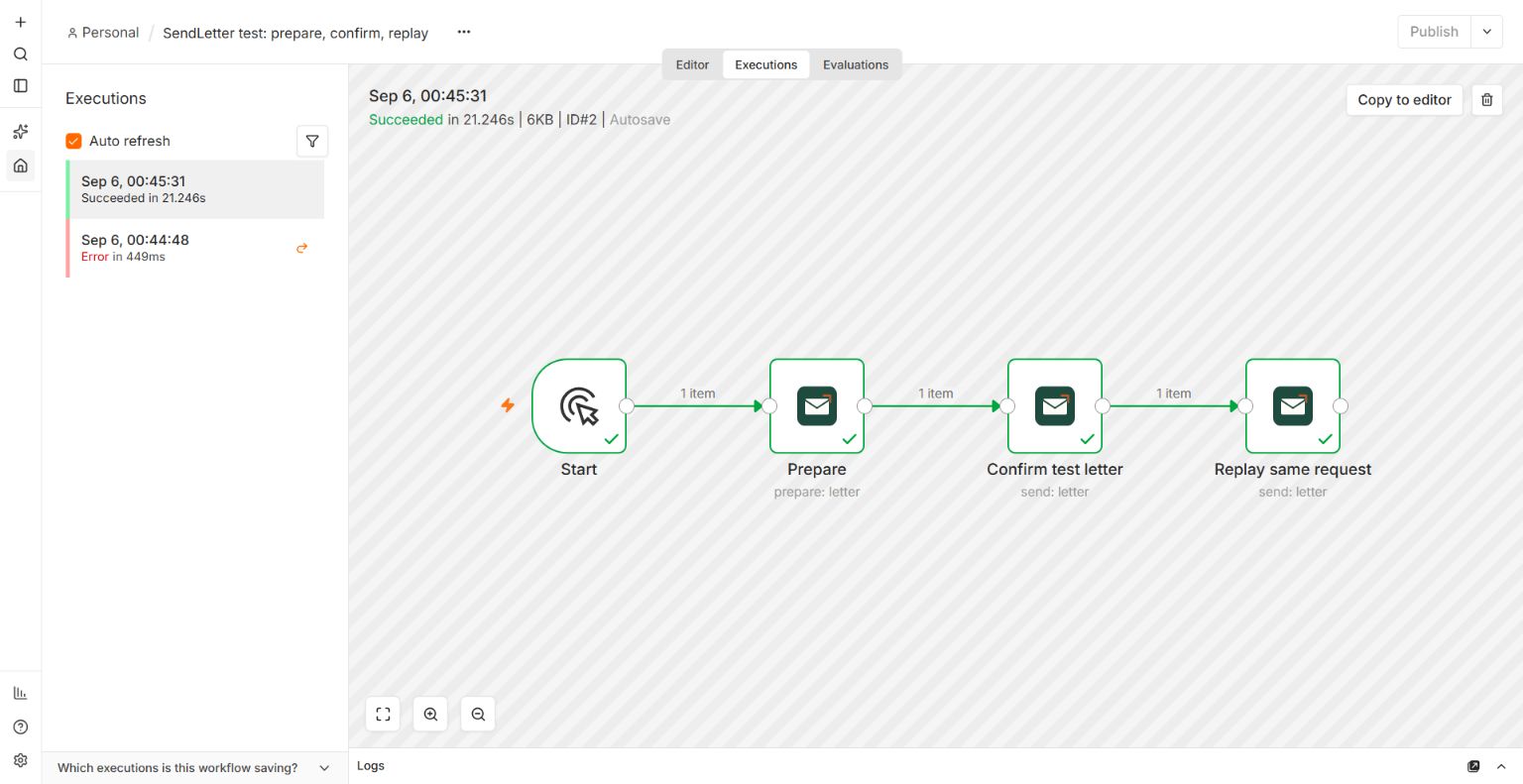
4Choose Letter > Prepare. Map text or a PDF, sender and recipient. Set a unique Idempotency Key under Options, such as invoice-123-v2.
5Review the PDF and totalCents. Then use Send with the same input and key, enable Confirm Prepared Price and map totalCents to Confirmed Total (Cents).
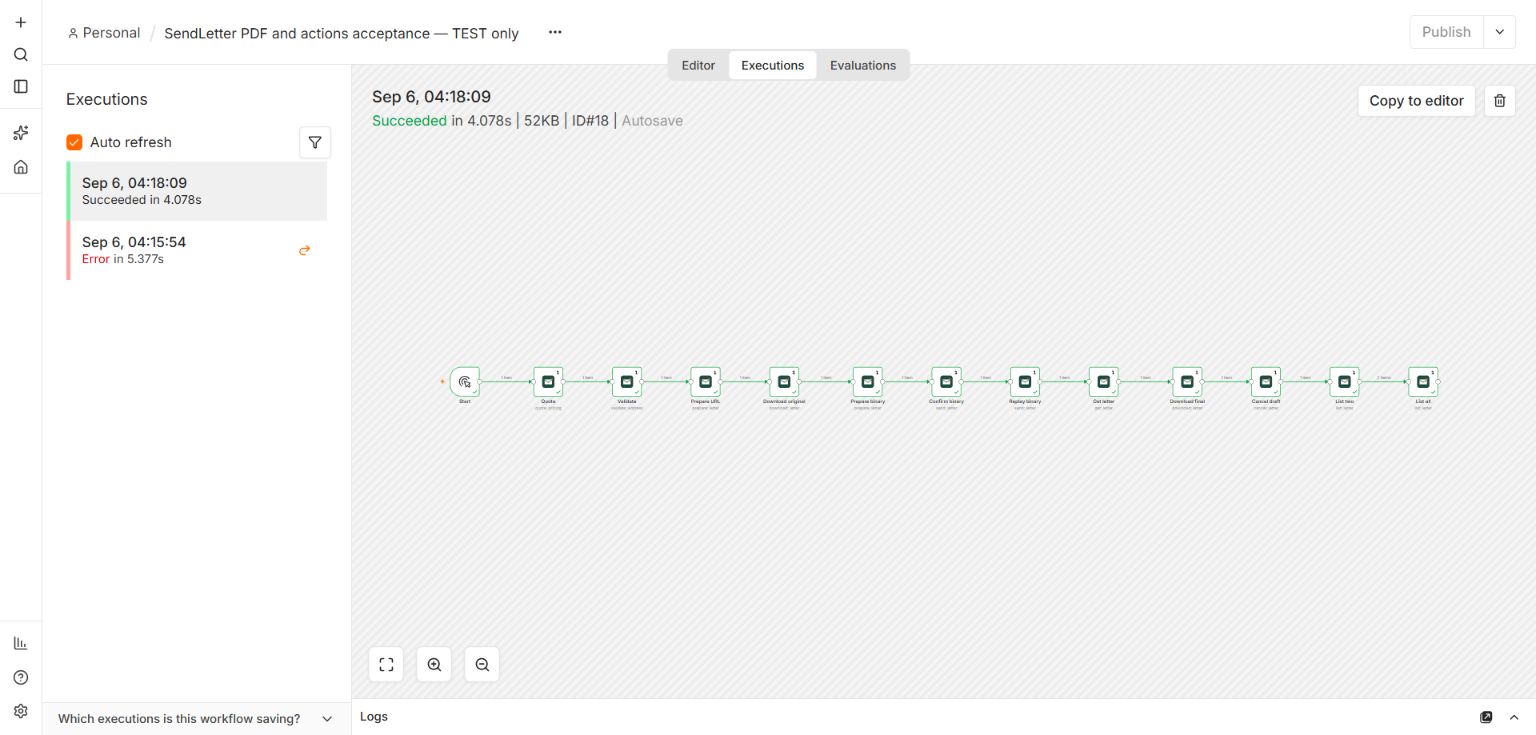
6PDF Binary Field preserves the file after Prepare and Send. A PDF URL must be a direct HTTPS download without authentication.
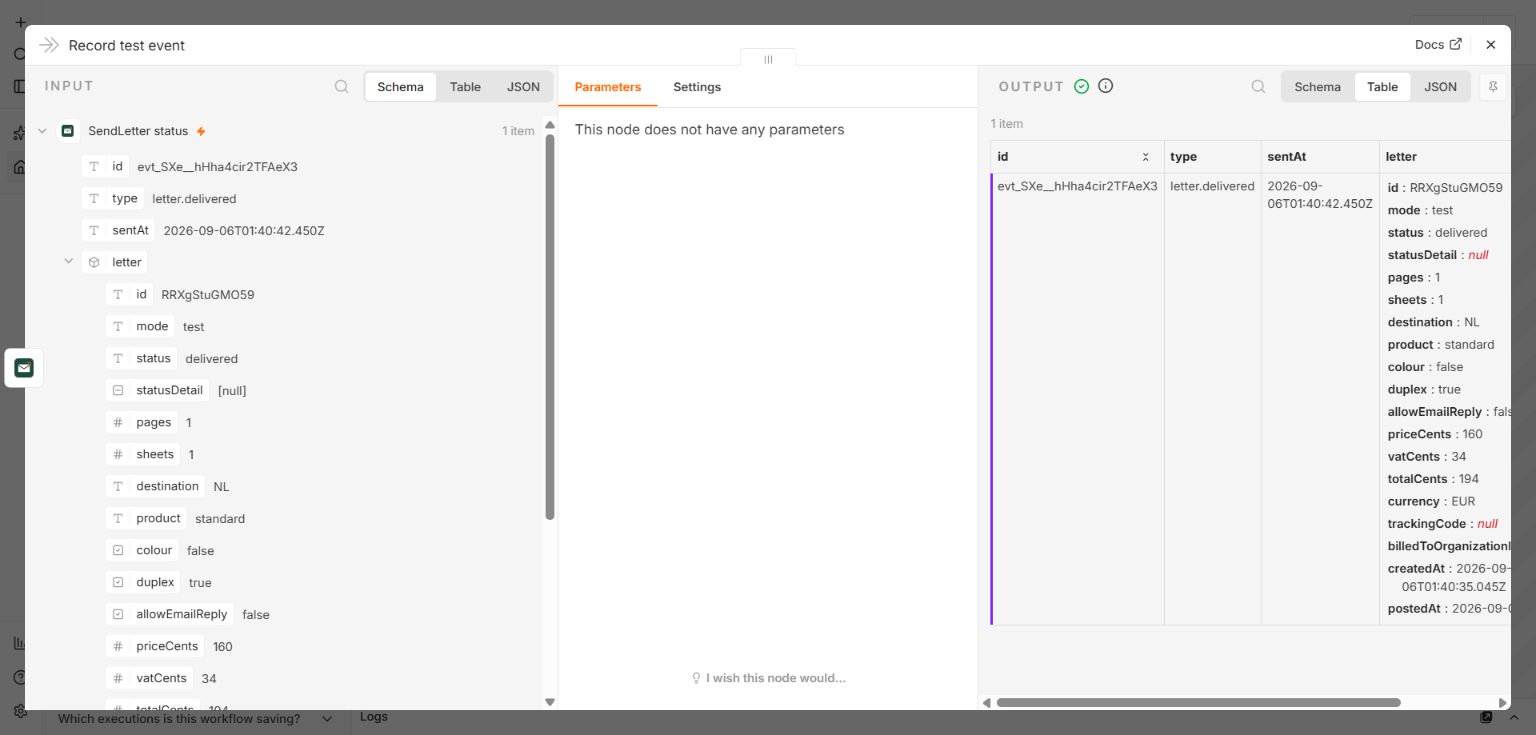
7Add SendLetter Trigger to a separate active workflow with a public HTTPS webhook URL. Leave Events empty for all statuses. Match letter.id to your source record and store the top-level id for deduplication.
8Send a fresh test letter. Deactivate the status workflow to remove its webhook automatically; reactivation creates a new subscription.
The trigger needs an https address, so a local installation needs a tunnel.
Examples from the tested integration
Prepare, price confirmation and replay in n8n. Reusing the same input and idempotency key returns the same test letter.The PDF workflow preserves binary data through Prepare, Send and replay; download and cancellation were also tested.SendLetter Trigger receives the delivered event automatically in test mode.